
Pinterest Pin Simulator
Configure your pin

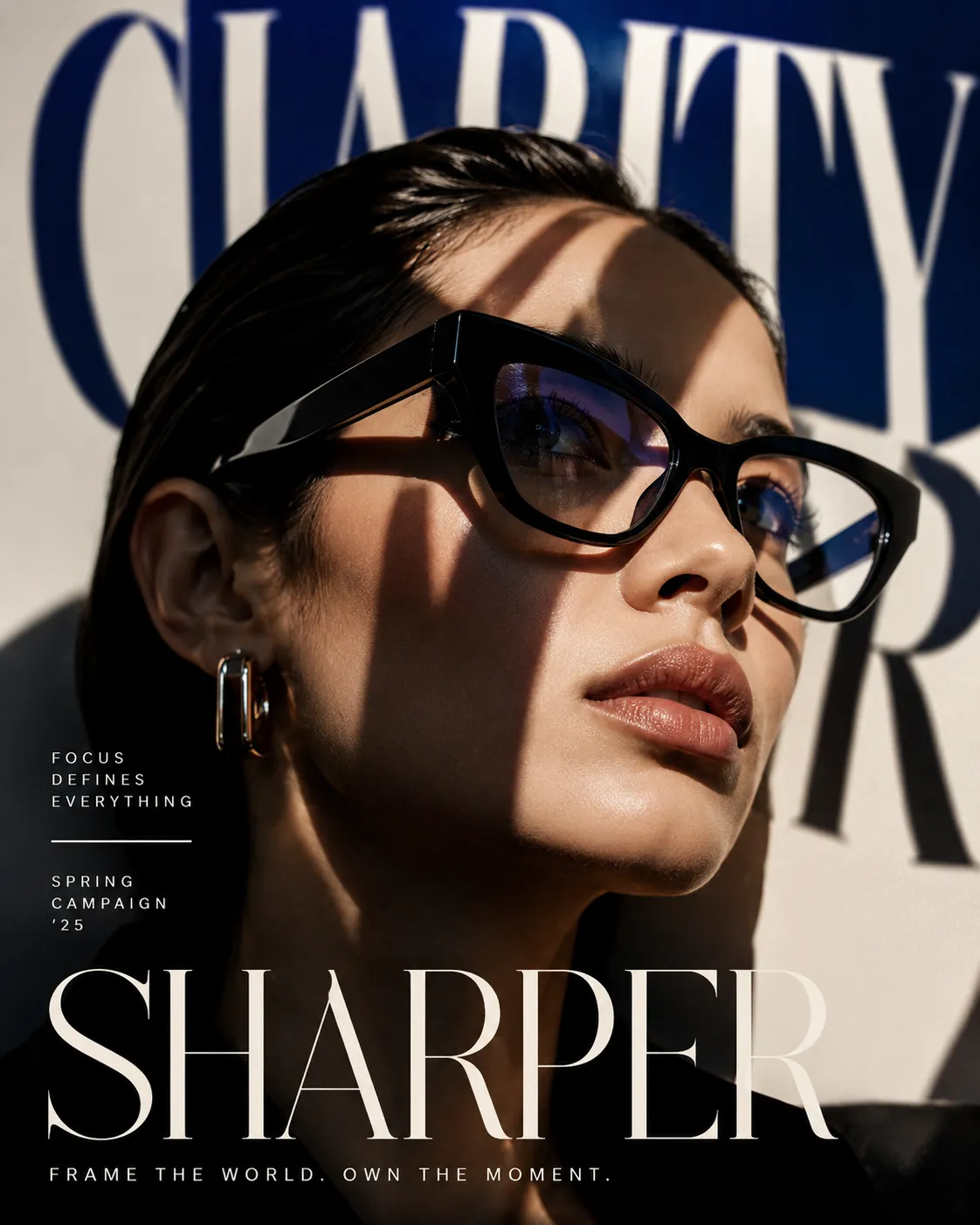

Gere seu proximo post em segundos
Crie visuais e ideias com IA e refine tudo aqui no simulador antes de exportar.
Testar agoraBaixar e Compartilhar
Imagem PNG de alta qualidade (resolução 2x)
Adicione imagens ou vídeos para habilitar o download
Link duration
Adicione imagens ou vídeos para habilitar o compartilhamento
Pinterest Pin Preview
Upload image for preview
My Inspiration Board
Amazing Pinterest Pin Title
Write an inspiring description with relevant hashtags #pinterest #design #inspiration
your_usernameCreate Professional Pinterest Pin Mockups for Free
Our Pinterest Pin Simulator is the ultimate tool for bloggers, marketers, and visual content creators. Design and preview your pins with custom images, titles, and descriptions before you pin them. Perfect for optimizing your Pinterest SEO and visual strategy.
With our realistic simulator, you can see exactly how your pin will look in the Pinterest feed. Test different titles to see what catches the eye, ensure your description keywords aren't cut off, and verify that your image aspect ratio looks perfect on mobile devices.
Key Features of Our Pinterest Pin Generator
- ✓Image Upload: Support for vertical images with automatic aspect ratio handling
- ✓Content Customization: Edit pin title, description, and website link
- ✓Profile Settings: Set your username, profile picture, and board name
- ✓Engagement Stats: Adjust save counts and comments to simulate popularity
- ✓Authentic UI: Pixel-perfect replication of the Pinterest mobile interface
- ✓Download & Share: Export high-quality mockups for approval or portfolios
Why Use a Pinterest Pin Simulator?
Pinterest is a highly visual search engine, and the quality of your pin design directly impacts your traffic. Our simulator helps you A/B test different designs, ensuring your text overlays are readable and your imagery stands out in a crowded feed.
It's also an excellent tool for social media managers to present pin concepts to clients without having to publish them to a live board first.
Frequently Asked Questions
Is the Pinterest Pin Simulator free?
Yes, the Pinterest Pin Simulator is completely free to use. You can create unlimited pin mockups without any cost or registration.
What image size should I use?
For best results, use a vertical image with a 2:3 aspect ratio (e.g., 1000x1500 pixels).
Can I customize the engagement stats?
Yes, you can enter custom numbers for saves and comments to simulate different levels of engagement.
Can I change the board name?
Absolutely! You can set a custom board name to show where your pin would be saved.
Is it safe to use?
Yes, all processing happens locally in your browser. Your images and data are never sent to our servers.